Welcome in! Whether you are a Hurco user or just shopping around, you’ll find high-quality reading material right here.
Video
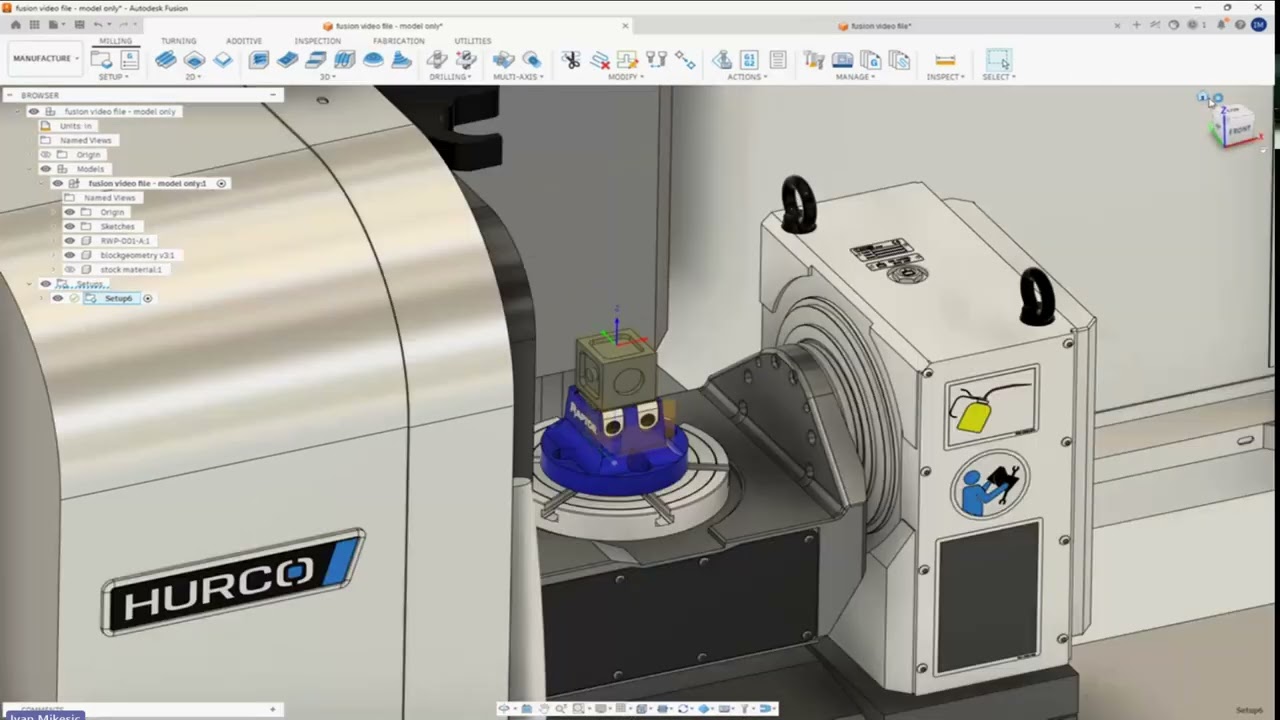
Follow the complete workflow for programming a Hurco CNC machine in Autodesk Fusion. This video covers importing the Hurco machine definition and post processor, creating the setup, simulating toolpaths, posting the program, verifying it on the Hurco control, checking for errors, and calculating estimated cycle time.
Video
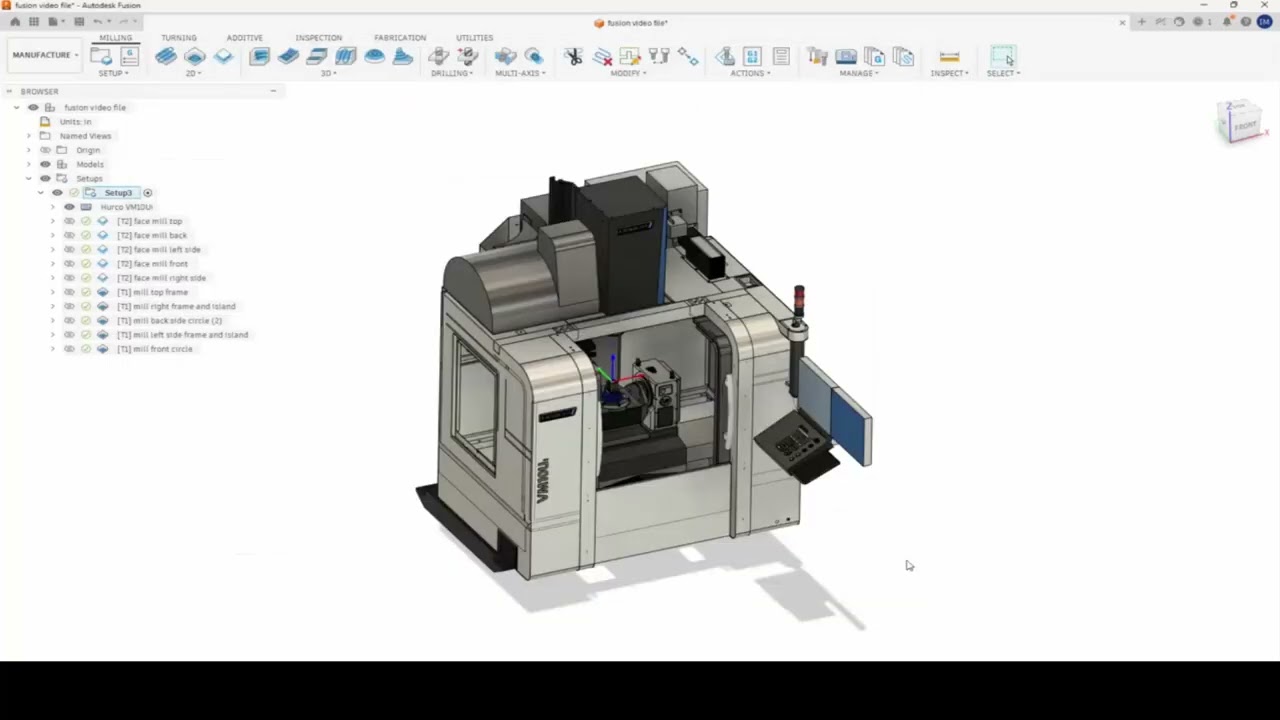
Learn how to verify that your Hurco machine definition in Autodesk Fusion matches your actual CNC machine. This video covers axis travel limits, rotary direction, tilt preferences, TCP settings, spindle speed, coolant modes, and rotary centerline values, including where to locate the corresponding settings in the Hurco WinMax control.
Video

Review the primary Hurco post processor settings in Autodesk Fusion, including machine configuration, program output, tool compensation, sequence numbers, safe retracts, home positioning, and NC format. The video also explains recommended WinMax settings, the 200-offset limitation, wear compensation, tool-number planning, and the use of Industry Standard NC.
Video
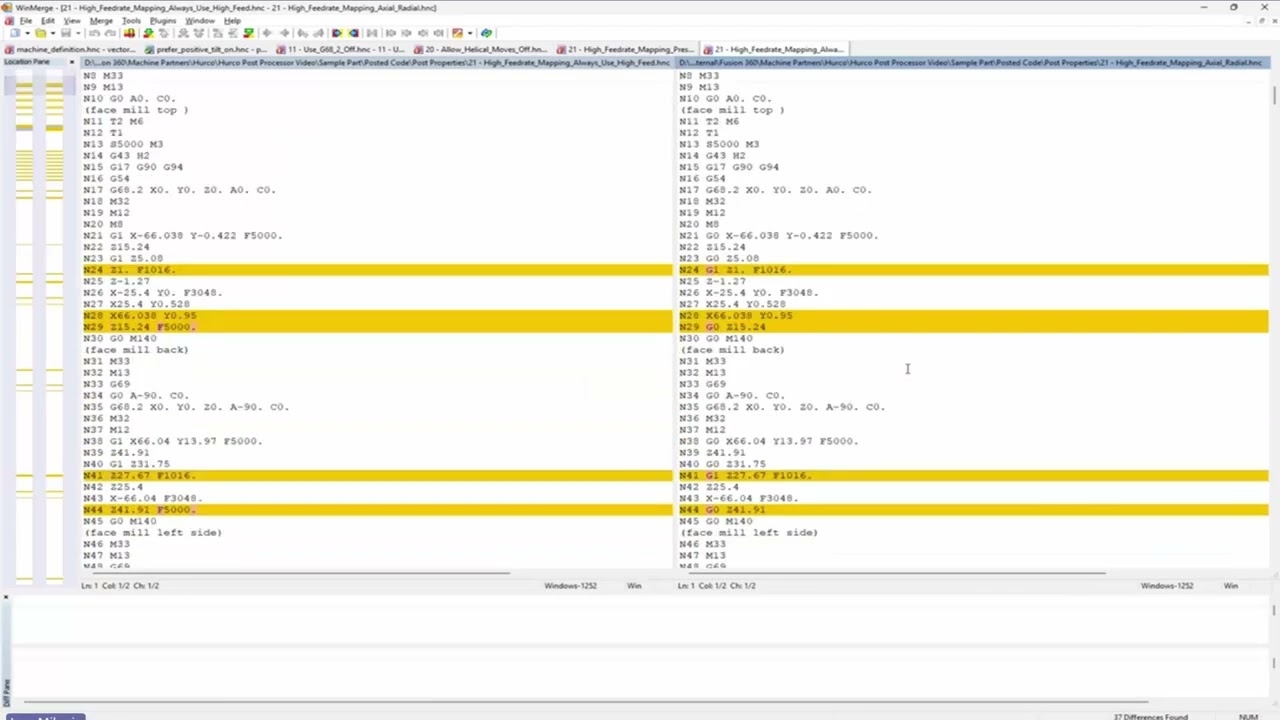
Learn how Autodesk Fusion’s Hurco post properties affect multiaxis NC code. This video covers machine configuration versus vector output, G68.2 coordinate transformation, tilt preferences, helical moves, high-feed mapping, safe repositioning, and how M128 and G43.4 control three plus two and simultaneous five-axis machining on the Hurco WinMax control.