Logo

CAD/CAM Providers + Hurco

Hurco works seamlessly with Leading CAD/CAM providers

To ensure compatibility, flexibility, and reliable performance across your workflow.


How It Works: CNC Machine Tools + CAD/CAM Provider

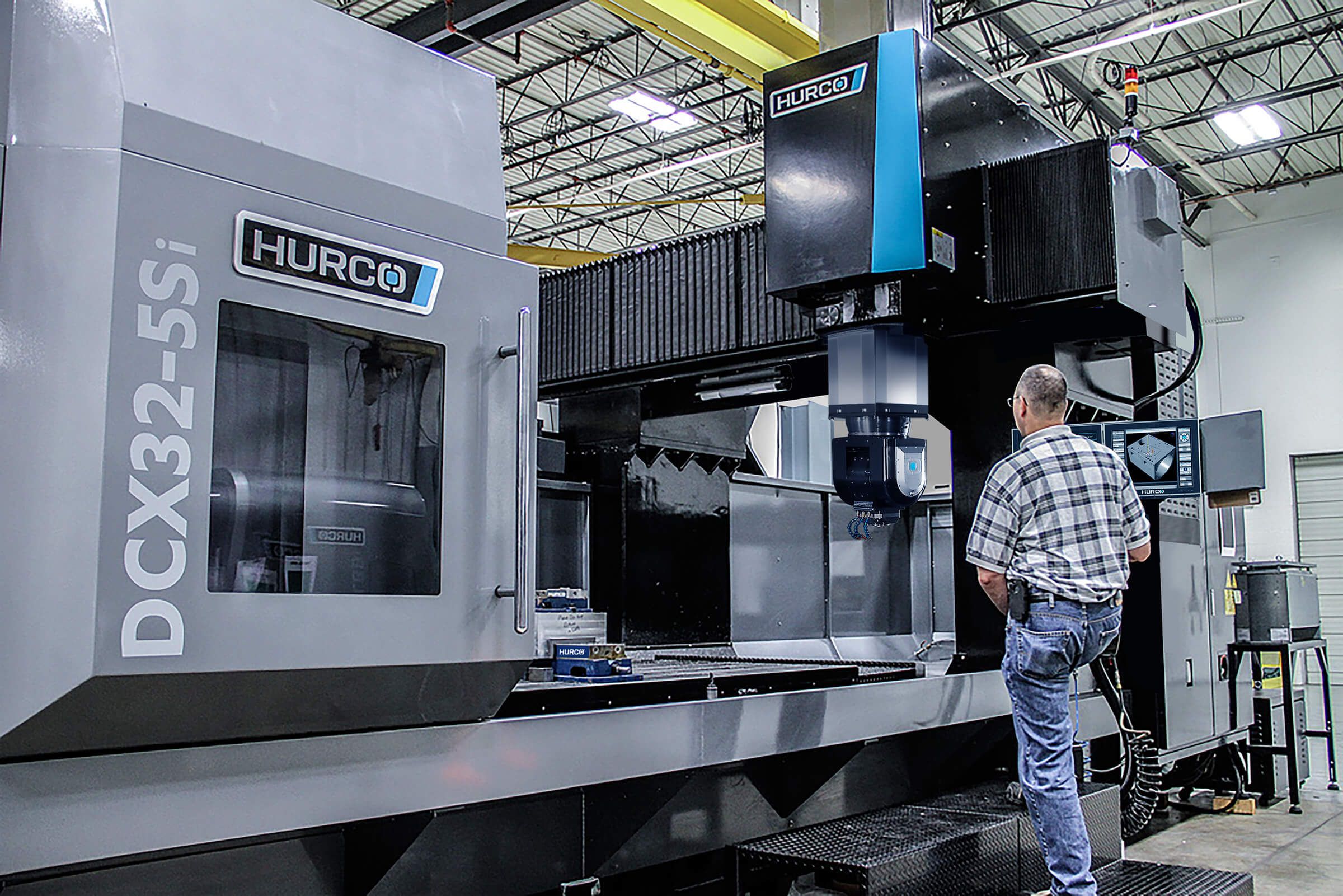
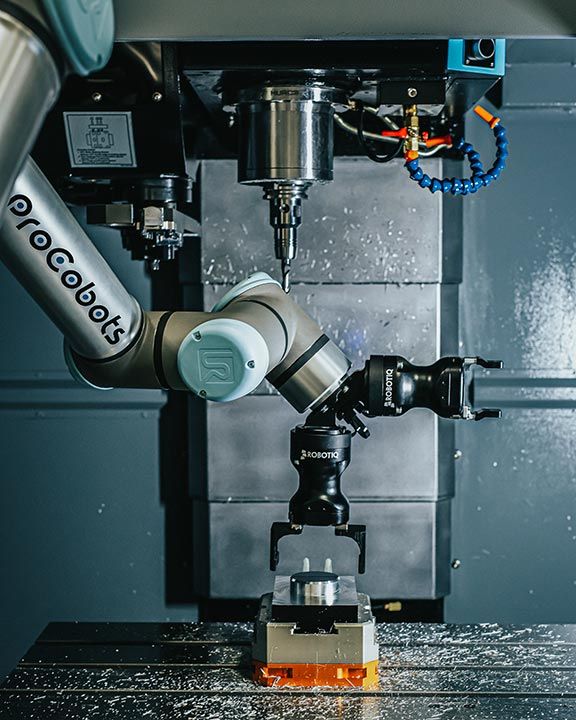
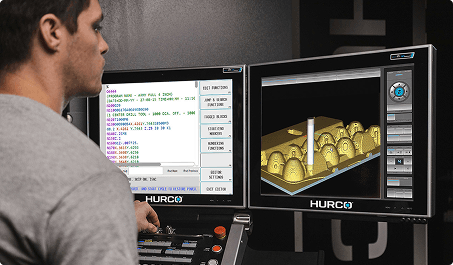
As a machine tool builder, it's important that our control works well with all the major CAD/CAM packages. We like to say we're Switzerland (i.e., neutral). There are all kinds of processes and standards, like ISO/EIA, that help a machine tool's control work well with different CAD/CAM packages, but the real difference is maintaining collaborative relationships with CAD/CAM companies.

How to Set Your Hurco Control to ISNC for Use with the FANUC 0-M Postprocessor

How to Set Your Hurco Control to ISNC for Use with the FANUC 0-M Postprocessor

Step 1

Press the AUXILIARY button on the control panel
How to Set Your Hurco Control to ISNC for Use with the FANUC 0-M Postprocessor

Step 2

From the pop-up menu, select the UTILITY SCREEN icon
How to Set Your Hurco Control to ISNC for Use with the FANUC 0-M Postprocessor

Step 3

On the console's touch-screen, select the USER PREFERENCES softkey
How to Set Your Hurco Control to ISNC for Use with the FANUC 0-M Postprocessor

Step 4

Select the NC SETTINGS softkey
How to Set Your Hurco Control to ISNC for Use with the FANUC 0-M Postprocessor

Step 5

Change the NC DIALECT to INDUSTRY STANDARD   

Support & Troubleshooting

Unlock the Full Potential of G-Code Programming with Hurco

Hurco's industry-leading control is designed for maximum flexibility, making it the perfect solution for CAD/CAM users who rely on G-code programming. With advanced features that streamline setup, reduce cycle times, and optimize performance, our control empowers machinists to take full control of their production process. Whether you're running complex 3D toolpaths or high-speed machining operations, Hurco delivers the power and precision you need.

Get pricing on 3-axis VM series Mills and TM series Lathes