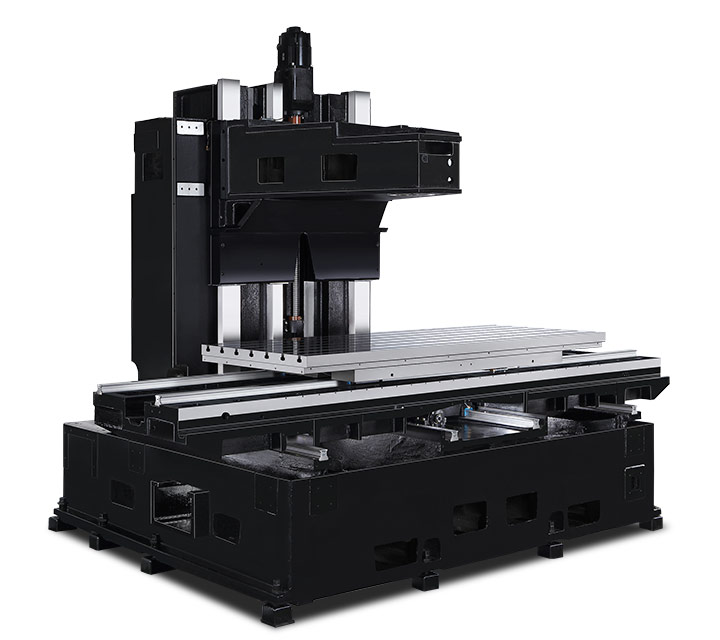
Hurco Vertical Machining Centers (VMC's)
Hurco CNC Machining Centers Make Shops More Profitable
Whether you call it a milling machine, a machining centre, or a machine tool, Hurco has the right CNC equipment to make your business more profitable. In fact, each machine tool we manufacture and each control feature we develop is designed with customer profitability as the top objective. While there are numerous reasons to choose Hurco, the high level benefits of Hurco CNC machine tools are highlighted below.?
A Broad Line of CNC Mills for a Variety of Applications
Whether you own a small job shop, you're a tier one supplier to the big automotive or aerospace companies, you supervise a tool room at a large company, or you’re a startup pursuing a dream, one of our CNC machining Centers will fit your needs and your budget. We have more than 20 machining Centers designed to provide the flexibility you need for a wide range of applications.
From 5-axis and 3-axis VMCs to the two and three-metre double column machines, horizontals, and specialty zone machines, Hurco has a CNC mill that will make your operation more productive and profitable.
Expert Design Yields Rigid CNC Mills that Increase Productivity
While the design details that increase productivity for every customer who owns a Hurco vertical machining centre are pronounced, they aren't always noticeable at first glance. As a company, our focus is to minimise all operations that occur out of the cut—reduce programming time with our world renowned control, reduce cleanup time, and reduce overall setup. Below, are a few examples of design details that set us apart.
- All of our VMCs have wider tables than most, but the ergonomic advantage is the fact that we took the time to design the machine so the table moves completely forward in the cube for easy operator access.
- While many control consoles are flat, we tilt ours to minimise glare and make sure the buttons are big with logical labels.
- Our washdown system saves time and eliminates costly cleanup. The coolant ring has adjustable nozzles and we strategically locate our washdown nozzles and make them adjustable. All Hurco VMCs have a dedicated pump system and sloped telescopic way covers to protect the VMC’s internal components.